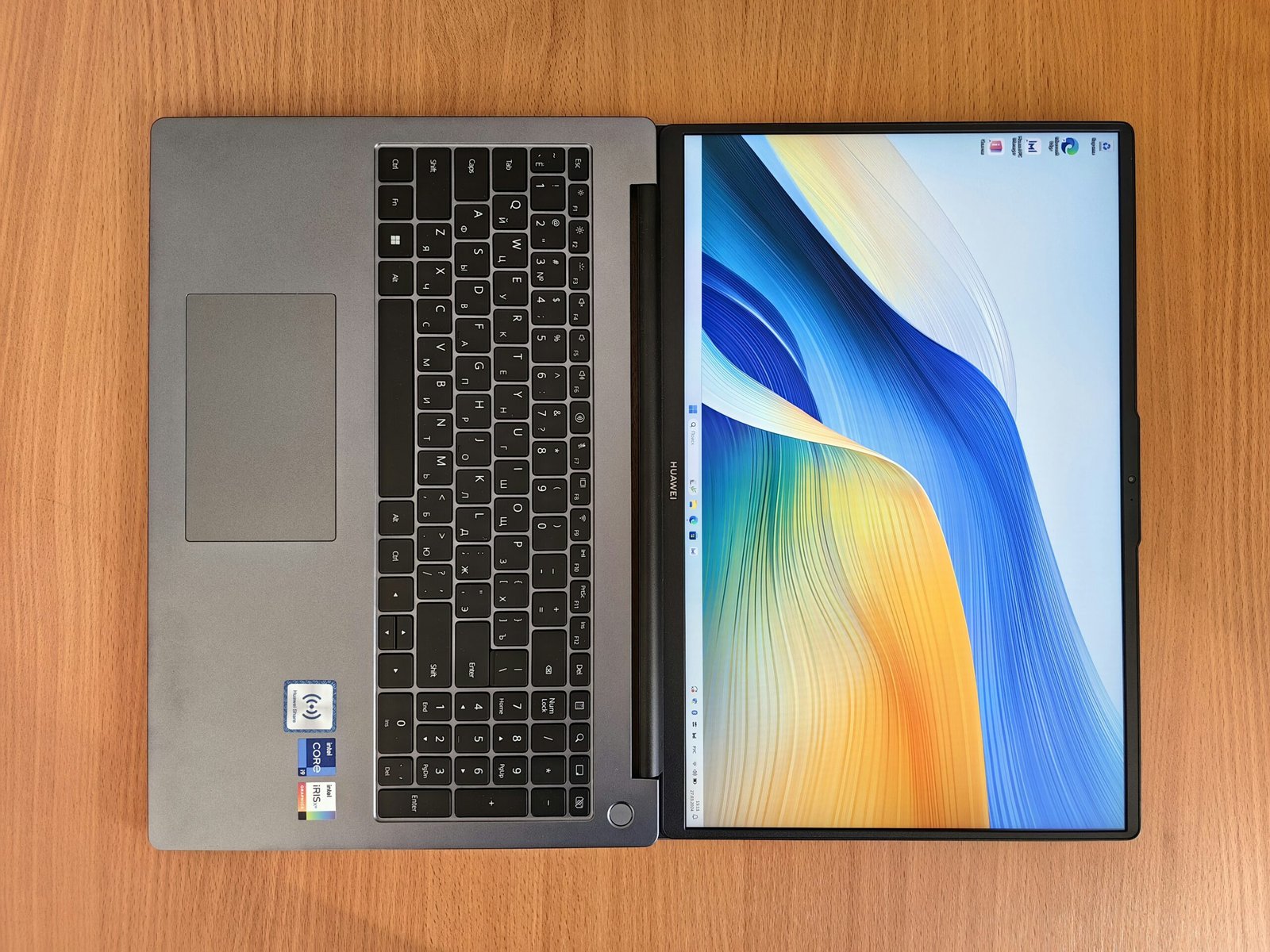
In the world of laptops, ultrabooks have carved out a premium space for themselves. They’re the perfect mix of power, portability, and design, making them ideal for professionals, students, and anyone who wants a laptop that’s not just powerful but also sleek and stylish.
As we enter 2025, the ultrabook market has never been stronger. From Apple’s MacBook Air M3 to Dell’s XPS series, from HP’s Spectre lineup to ASUS ZenBook OLED ultrabooks, there are countless slim and stylish options that deliver outstanding performance.
This blog will cover everything you need to know about the best ultrabooks in 2025—their features, pros and cons, who they’re best for, and a detailed buying guide to help you pick the right one.
Why Ultrabooks Are Popular in 2025
Ultrabooks are no longer just luxury laptops—they’ve become the go-to choice for people who want a balance between power and portability. Here’s why:
- Slim & Lightweight: Most ultrabooks weigh under 3 pounds. Perfect for travel and work on the go.
- Premium Build Quality: Made with aluminum, magnesium, or carbon fiber. They look and feel premium.
- Long Battery Life: Optimized for 10–18 hours of use. Great for students and business users.
- Performance: With the latest Intel Core Ultra, AMD Ryzen 9, and Apple M3 chips, ultrabooks can handle productivity, creative work, and even light gaming.
- Modern Features: OLED/Retina displays, Thunderbolt ports, AI optimization, and eco-friendly designs.
In short: Ultrabooks = Style + Portability + Power.
Best Ultrabooks 2025 – Our Top Picks
Let’s look at the top ultrabooks of 2025 that combine slim design, powerful performance, and excellent usability.
1. Apple MacBook Air M3 (2025)
- Why We Picked It: The undisputed leader in ultrabooks, Apple’s MacBook Air M3 is thin, fast, and unbeatable in battery life.
- Key Features:
- Apple M3 chip with improved AI & graphics
- 13.6-inch Liquid Retina display (2560 × 1664)
- 18-hour battery life
- Weight: 2.6 lbs
- Pros:
- Best-in-class performance for everyday tasks
- Premium build quality
- macOS ecosystem integration (iPhone + iPad + AirPods)
- Silent, fanless design
- Cons:
- Limited ports (needs adapters)
- Higher price compared to Windows ultrabooks
👉 Best For: Professionals, students, and Apple users who want lightweight performance.
2. Dell XPS 13 Plus (2025)
- Why We Picked It: Known as the Windows MacBook, the Dell XPS 13 Plus continues to dominate with its futuristic design.
- Key Features:
- Intel 14th Gen Core Ultra processors
- 13.4-inch OLED InfinityEdge Display
- Edge-to-edge keyboard with haptic touchpad
- Thunderbolt 4 ports
- Pros:
- Stunning edge-to-edge design
- Super bright OLED display
- Premium performance for multitasking
- Cons:
- No headphone jack
- Slightly more expensive than rivals
👉 Best For: Professionals and students who prefer Windows over macOS.
3. HP Spectre x360 (2025)
- Why We Picked It: A 2-in-1 ultrabook that works both as a laptop and tablet—perfect for creators.
- Key Features:
- Intel Evo 14th Gen processors
- 14-inch 3K OLED touchscreen
- Convertible 360° hinge
- Battery life: 12–14 hours
- Pros:
- Gorgeous touchscreen display
- Strong convertible flexibility
- High-end design
- Cons:
- Slightly heavier than typical ultrabooks
- Pricier at higher specs
👉 Best For: Artists, designers, and users who need a laptop + tablet combo.
4. ASUS ZenBook 14 OLED (2025)
- Why We Picked It: One of the most affordable premium ultrabooks in 2025.
- Key Features:
- AMD Ryzen 9 8945HS / Intel option
- 14-inch OLED HDR display
- 16GB RAM + 1TB SSD
- AI cooling optimization
- Pros:
- Gorgeous OLED screen
- Lightweight and stylish design
- Affordable pricing for premium features
- Cons:
- Speakers could be louder
- Battery not as strong as MacBook
👉 Best For: Budget-conscious users who want an OLED ultrabook.
5. Microsoft Surface Laptop 6 (2025)
- Why We Picked It: Clean, minimalistic, and optimized for Windows productivity.
- Key Features:
- Intel Core Ultra processors with AI boost
- 15-inch PixelSense touchscreen
- 16+ hours battery life
- Premium aluminum build
- Pros:
- Pure Windows experience
- Long battery life
- Slim design
- Cons:
- Limited upgrade options
- Higher cost
👉 Best For: Professionals who need reliability and simplicity.
6. Lenovo Yoga Slim 7i Pro (2025)
- Why We Picked It: A balanced ultrabook that gives you premium features at a fair price.
- Key Features:
- Intel 14th Gen i7 processors
- 14-inch 2.8K OLED display
- Dolby Atmos speakers
- Slim 1.2kg design
- Pros:
- Stylish build at an affordable price
- Excellent screen quality
- Strong productivity performance
- Cons:
- Average webcam
- Not ideal for gaming
👉 Best For: Students and professionals looking for value.
Ultrabook Buying Guide 2025
Choosing the right ultrabook depends on your needs and budget. Here’s what you should focus on:
- Processor & Performance:
- Intel Core i5/i7 or AMD Ryzen 5/7 minimum
- Apple M3 for macOS users
- RAM & Storage:
- 16GB RAM for smooth multitasking
- 512GB SSD minimum for storage
- Display Quality:
- Go for OLED/Retina 2K+ resolution if possible
- High brightness (400–600 nits) for outdoor work
- Battery Life:
- Minimum 10 hours for students & travelers
- Weight & Portability:
- Under 3 pounds for maximum portability
- Budget:
- $1000–$2000 is the sweet spot for ultrabooks
Ultrabooks vs Regular Laptops
| Feature | Ultrabook | Regular Laptop |
|---|---|---|
| Design | Slim & stylish | Bulkier |
| Weight | 2–3 lbs | 4–6 lbs |
| Battery | 10–18 hours | 5–8 hours |
| Performance | Optimized for productivity | Ranges from low to high |
| Price | $1000+ | Starts from $400 |
👉 Verdict: If style + portability matter to you, buy an ultrabook. If you just need a budget laptop, a regular one may be better.
FAQs – Best Ultrabooks 2025
Q1: Which is the best ultrabook overall in 2025?
👉 The MacBook Air M3 is the best overall due to its battery life, design, and smooth performance.
Q2: Which ultrabook is best for students?
👉 The Lenovo Yoga Slim 7i Pro and ASUS ZenBook 14 OLED offer premium features at affordable prices.
Q3: Can ultrabooks handle gaming?
👉 Ultrabooks are not built for heavy gaming. For light gaming, Dell XPS 13 and ASUS ZenBook work fine.
Q4: Are ultrabooks worth the money?
👉 Yes, if you need portability, premium build, and long battery life.
Conclusion – Which Ultrabook Should You Buy?
Ultrabooks are the future of laptops—thin, stylish, and powerful. The choice depends on your preference:
- Best Overall: MacBook Air M3
- Best Windows Option: Dell XPS 13 Plus
- Best Convertible: HP Spectre x360
- Best Budget OLED: ASUS ZenBook 14 OLED
- Best Productivity Machine: Surface Laptop 6
- Best Value: Lenovo Yoga Slim 7i Pro
No matter which one you choose, you’ll get a laptop that’s slim, stylish, and future-ready.
👉 Start your search today and pick your perfect ultrabook with TechLaptopGuide.shop.