Introduction
In 2025, laptops are slimmer, faster, and more powerful than ever. But one question still matters a lot for buyers: How many USB ports does a laptop have, and which type of USB ports are included? Whether you are a student who needs to connect a USB flash drive, a gamer who plugs in multiple accessories, or a professional who requires docking stations, the USB ports in your laptop define its usability and connectivity.
Unlike older laptops, which used to have 4–6 full-size USB-A ports, most modern ultrabooks now focus on USB-C and Thunderbolt 4. This helps them stay thin and future-proof but sometimes leaves users frustrated when they can’t connect multiple devices at once. On the other hand, gaming and business laptops still provide a wider range of USB ports because users demand flexibility.
This article will cover:
- Different types of USB ports in laptops today
- Popular laptop models in 2025 and their USB port configurations
- A comparison table of laptops vs USB ports
- How many ports you really need depending on your use case
- Future of USB technology in laptops
By the end, you will know exactly which laptop suits your needs when it comes to USB connectivity.
Types of USB Ports in 2025
Modern laptops in 2025 mainly include four categories of USB ports:
1. USB-A (Traditional USB Port)
- The classic rectangular port.
- Still used for keyboards, mice, external hard drives, and legacy devices.
- Slowly disappearing from ultrabooks but still present in gaming laptops.
2. USB-C (Reversible & Universal)
- Compact, oval-shaped connector.
- Supports data transfer, video output, and charging.
- Found in all modern laptops (MacBook, Dell XPS, HP Spectre, Lenovo Yoga).
- Can replace HDMI, charging ports, and even display outputs.
3. Thunderbolt 4 / USB 4
- High-speed USB-C standard.
- Offers up to 40 Gbps speed, supports dual 4K or single 8K monitors.
- Found in premium laptops (MacBook Pro, Dell XPS, Lenovo ThinkPad).
- Best for professionals, video editors, and gamers using external GPUs.
4. USB-C Charging Ports
- Many laptops now use USB-C to charge instead of traditional barrel chargers.
- Supports Power Delivery (PD) for fast charging.
- Means one port can be used for both charging and data — but reduces available ports when charging.
Why Laptop USB Port Count Varies
- Ultrabooks & Thin Laptops (MacBook, Dell XPS, HP Spectre) → Prioritize slim design, often limited to 2–3 USB-C ports.
- Gaming Laptops (Acer Predator, ASUS ROG, MSI Raider) → Provide 4–6 ports including USB-A, USB-C, HDMI, Ethernet.
- Business Laptops (Lenovo ThinkPad, HP EliteBook, Dell Latitude) → Balanced with 3–5 ports for office use.
- Budget Laptops ($500–$700) → Usually 2–3 ports, mix of USB-A and USB-C.
Laptop Models & USB Ports in 2025
Here’s a breakdown of popular laptops in 2025 and their USB port configurations:
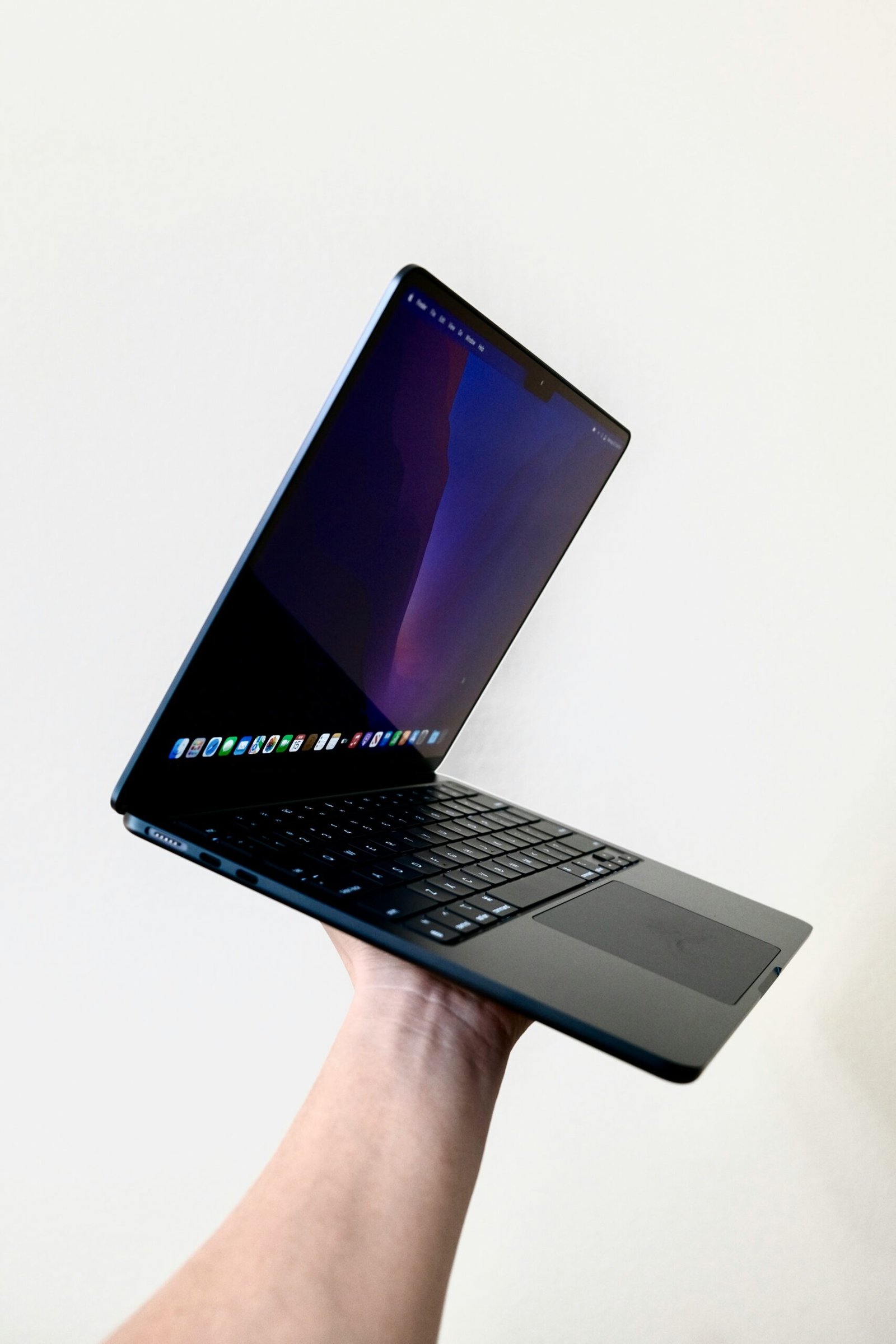
Apple MacBook Air M3 (2025)
- 2 x USB-C (Thunderbolt 4)
- 1 x MagSafe Charging Port
- No USB-A ports
Verdict: Great for portability, but requires a dongle/hub for older devices.
Apple MacBook Pro M3 (2025)
- 3 x USB-C (Thunderbolt 4)
- 1 x HDMI
- 1 x SD Card Reader
- 1 x MagSafe Charging Port
Verdict: Balanced connectivity, but still no USB-A.
Dell XPS 13 Plus (2025)
- 2 x USB-C (Thunderbolt 4)
- USB-C to USB-A dongle included
Verdict: Extremely sleek, but only two ports may be limiting.
HP Spectre x360 (2025)
- 2 x USB-C (Thunderbolt 4)
- 1 x USB-A
- 1 x Headphone Jack
Verdict: Excellent mix of legacy and modern ports.
ASUS ZenBook 14 OLED (2025)
- 2 x USB-C (Thunderbolt 4)
- 1 x USB-A
- 1 x HDMI
- 1 x Headphone Jack
Verdict: Slim design yet still practical.
Lenovo ThinkPad X1 Carbon (2025)
- 2 x USB-C (Thunderbolt 4)
- 2 x USB-A
- 1 x HDMI
- 1 x Headphone Jack
Verdict: Best for professionals needing multiple ports.
Acer Predator Helios 2025 (Gaming Laptop)
- 3 x USB-A
- 2 x USB-C
- 1 x HDMI
- 1 x Ethernet
- 1 x Mini DisplayPort
Verdict: Perfect for gamers and streamers.
MSI Raider GE78 HX (Gaming Laptop)
- 3 x USB-A
- 2 x USB-C (Thunderbolt 4)
- 1 x HDMI
- 1 x Ethernet
- 1 x Audio Combo Jack
Verdict: Great for multitasking and heavy accessories.
HP Omen 17 (Gaming Laptop)
- 3 x USB-A
- 2 x USB-C
- 1 x HDMI
- 1 x Ethernet
Verdict: Powerful gaming laptop with enough ports for everything.
Comparison Table – Laptops vs USB Ports
| Laptop Model | USB-A | USB-C/Thunderbolt | HDMI | Others | Total Ports |
|---|---|---|---|---|---|
| MacBook Air M3 | 0 | 2 | 0 | MagSafe | 3 |
| MacBook Pro M3 | 0 | 3 | 1 | SD, MagSafe | 5 |
| Dell XPS 13 Plus | 0 | 2 | 0 | Dongle | 2 |
| HP Spectre x360 | 1 | 2 | 0 | Audio | 4 |
| ASUS ZenBook 14 OLED | 1 | 2 | 1 | Audio | 5 |
| Lenovo ThinkPad X1 Carbon | 2 | 2 | 1 | Audio | 6 |
| Acer Predator Helios | 3 | 2 | 1 | Ethernet, MiniDP | 7 |
| MSI Raider GE78 HX | 3 | 2 | 1 | Ethernet, Audio | 7 |
| HP Omen 17 | 3 | 2 | 1 | Ethernet | 6 |
How Many USB Ports Do You Really Need?
- Students → 2–3 ports are enough (USB-C + USB-A).
- Professionals → At least 4–5 ports, including HDMI for presentations.
- Gamers → 6–7 ports for accessories, monitors, Ethernet.
- Content Creators → 5–6 ports, Thunderbolt 4 for fast storage and external GPUs.
USB Hubs & Docking Stations
If your laptop doesn’t have enough ports, you can expand connectivity with a USB hub or docking station.
- Basic hubs add 2–3 USB-A ports.
- Advanced docking stations add HDMI, Ethernet, multiple USB-C, SD card slots.
- Recommended brands: Anker, CalDigit, Belkin.
Future of USB in Laptops
- USB-A will disappear completely in the next 3–5 years.
- USB-C and Thunderbolt 5 will dominate all laptops.
- One-port laptops (like MacBook Air) may become standard, relying on docking stations.
- Faster charging (up to 240W USB-C PD) will make dedicated chargers obsolete.
Conclusion
In 2025, USB ports are more important than ever when buying a laptop. If you choose a thin ultrabook, you may only get 2 USB-C ports and will need a dongle. But if you go for a gaming or business laptop, you can enjoy 6–7 ports for maximum flexibility.
The key is to match your needs with the laptop’s USB port configuration. A student might survive with 2 ports, but a gamer or creator will definitely need 6+.
Before buying, always check the USB port count and type to avoid frustration later.